
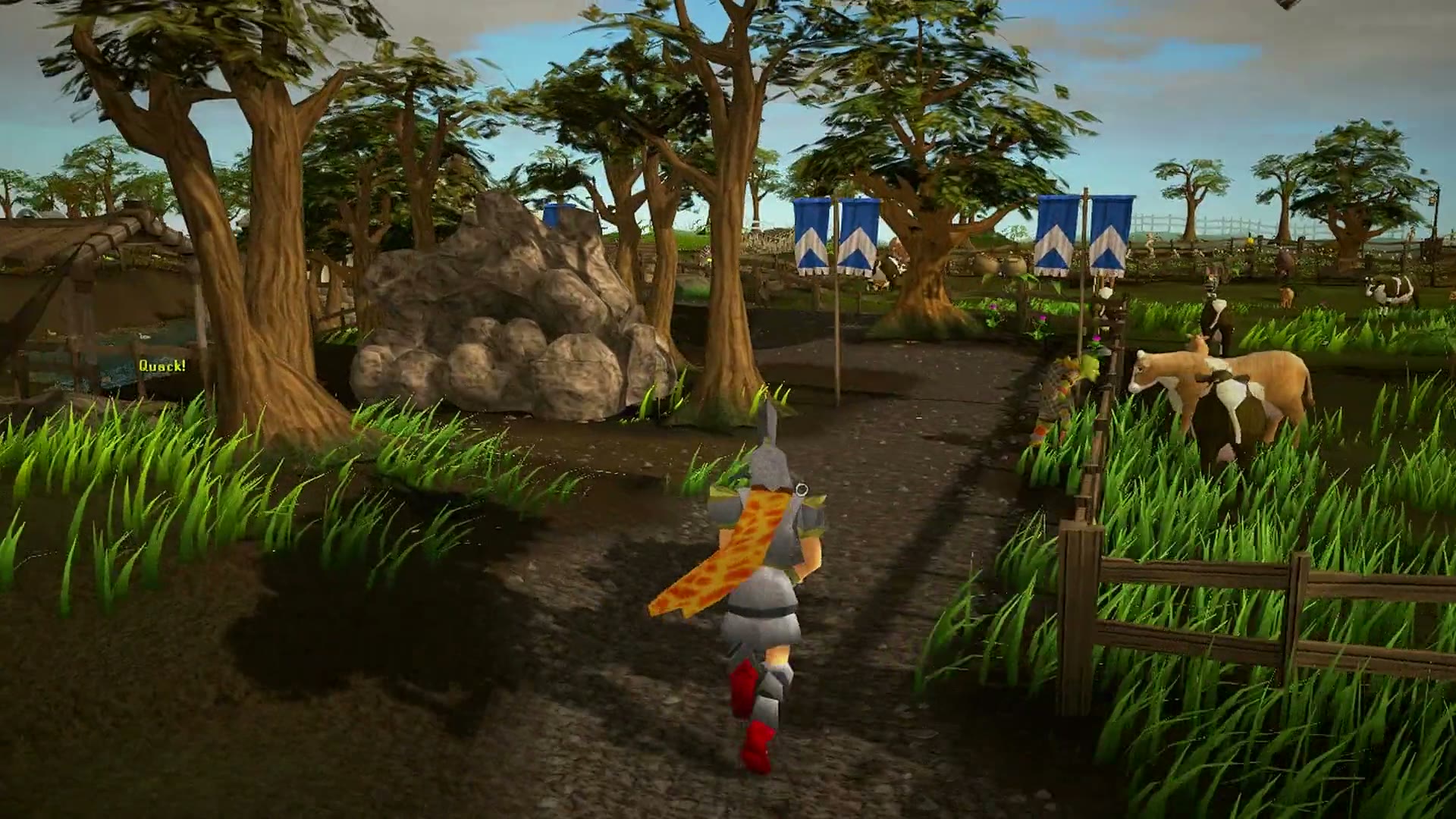
New School 99 is pre-EoC RuneScape, rebuilt in HD: the world, skills and quests of RuneScape in July 2012, with WASD movement, a free camera and combat you play with your hands. It's free, and it has its own accounts, so you don't need a Jagex account.
This page takes you from download to your first hour in game. Already played RuneScape in 2012? Read RuneScape version for what's the same and what's different.
1. Get the game
Download New School 99 from newschool99.com. It runs on Windows 10 and 11 (64-bit), macOS 13+ (one universal download for Apple silicon, tested, and Intel, not tested on real Intel hardware) and 64-bit x86_64 Linux (AppImage or .tar.gz, OpenGL 3.3+, glibc 2.35+). On Windows, if SmartScreen says "Windows protected your PC", click More info, then Run anyway (see Installing the game). On a Mac, drag the app to Applications and allow it once in System Settings > Privacy & Security (see Mac). On Linux or Steam Deck, mark the AppImage executable and run it (see Linux).
2. Make an account
On the login screen pick Create an account, fill in your email, a password and your age, then choose your character name. See Accounts and passwords.
The first time you log in, the game recommends graphics settings for your PC. Apply them, or pick another preset. See Graphics settings.
3. Play the intro story
Your new character starts with a short story: Lumbridge is burning, time stops to teach you to move, attack and dodge, you face Sergeant Mossfists, and Guthix brings you to the Character Studio to shape your character and pick a starting style. It plays once. See Intro story.
4. Wake in the Sanctum
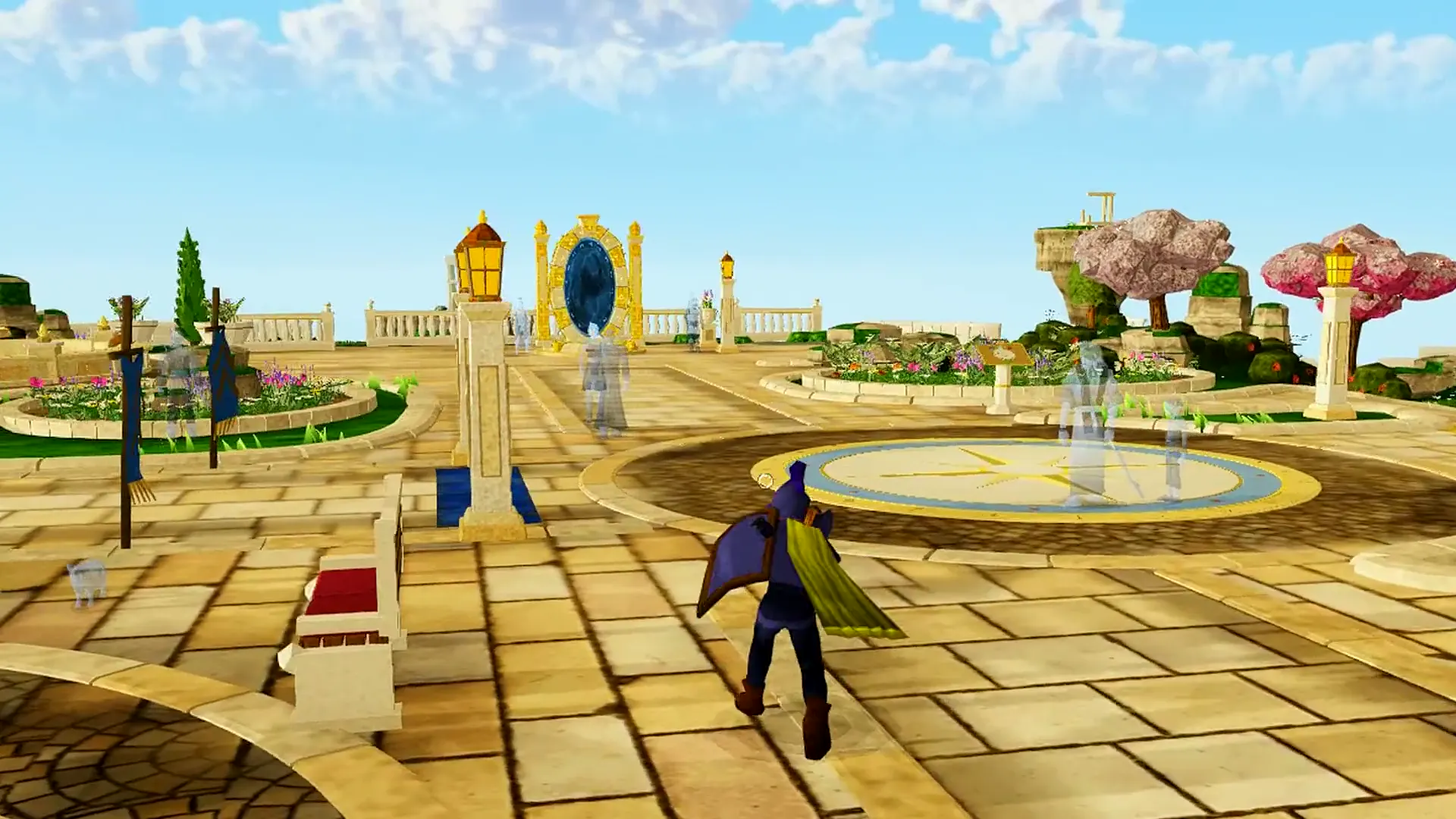
The story ends in The Sanctum, your home above the clouds. A short welcome tour shows you around: your bank, the Grand Exchange, the Pool of Renewal that fully restores you, the gods and the travel gateway. You also find a starter kit of tools, food, bronze weapons, arrows and runes in your inventory.
Wherever you go, the Home button by the minimap brings you back to the Sanctum.
Your first hour
A checklist for your first session. None of it is required; it's the quickest way to find your feet.
- Open What can I do?. Type
::whatcanido, or open the Menu and pick Guides > What can I do?. It lists the quests you can play, how to get around, the bosses, Slayer, minigames and what's not in the game yet, all read from the game itself. See What can I do?. - Learn the controls. Move with W A S D, sprint with Shift, roll with Space, and click to swing. Middle mouse locks on to a target. Every panel is in the Menu (Esc). See Controls and the Codex menu. Playing on a controller? See Controller support.
- Try the training yard. West of the Grand Exchange in the Sanctum, the dummies show your damage per second, so you can see how free combat works without risk. See Training yard and Damage and attack speed.
- Go to Lumbridge. Step through the golden gateway in the Sanctum and pick Lumbridge on the travel map. Touch every lodestone you pass to add it to the map. See Lodestones and Travel.
- Pick a god. Pledge to Saradomin, Zamorak or Armadyl in The Pantheon to earn Favour and unlock their powers for your hotbar.
- Start a quest. The Quests panel recommends quests for you, and the quest helper marks where to go next. See Quests and Quest helper.
- Train a skill. Left-click a tree or rock to play Woodcutting and Mining in Action mode, or right-click to AFK the classic way. See Action and Classic skilling and Skills. All XP is doubled: see Experience rates.
- Team up. Right-click a player and pick Invite to party: up to five of you can fight the same monster and share an XP bonus. See Parties and Chat.
Good to know early
- Dying is not the end. You wake on Guthix's dais in the Sanctum, and your items wait in a gravestone where you fell. See Death and gravestones.
- Bosses show their attacks. Big attacks wind up and mark the ground first: roll out of the red. See Monster attacks and Bosses.
- Some items trade between players only on the Grand Exchange. See Players-only items.
- Help is on the Discord. Ask questions, report bugs and suggest ideas. See Getting help.