
GuidesFree combat
Combat
Free combat: how it works
You move with WASD, every click is a swing, and your hit lands where your weapon actually connects. Under the hood every weapon keeps its RuneScape stats and attack speed, so the gear you know still ranks the way you expect.
Attacking
- Click to swing. Left click attacks in the direction you're looking. Clicking a monster aims the swing at where it stood.
- Hold to attack. Keep the left button held and you keep attacking at your weapon's rhythm. It pauses if your mouse slips over a panel or the chat, and carries on when you're back.
- Combos. Keep attacking and your swings flow into a combo: a few quick hits (1, 2, 3...) and then a heavier finisher. Every weapon type has its own set of moves, mixed at random so a fight never looks the same twice. Bows, crossbows and staffs have their own shooting and casting rhythm.
- No walking while you swing. You attack from where you stand. While a swing plays, your movement keys don't walk you around; each attack only carries you forward by its own short step.
- Sprint attacks. Hold Shift and W to sprint, then click: you leap into a running attack that covers a few tiles. It goes where you're looking.
- Hits land on contact. A swing hits the enemy your weapon reaches in its arc. Two-handers reach further and sweep wider; daggers and stabbing styles strike a narrow line. Bows and staffs shoot along your aim and hit the first enemy on that line, with a little help if you're just off.
- Your stamina. Attacks, sprinting and rolls use stamina; walking and jogging don't. See Stamina and Agility.
Left-click attacks any monster you can fight, whatever its level (guards, men and women, barbarians and the rest). Bankers, shopkeepers and others you can't fight still talk on left click, and Talk-to is always on the right-click menu. Prefer the old way? Game Settings > Controls > NPC left-click: Attack, Talk-to first or By combat level.
How damage and attack speed work
Every weapon keeps the attack speed it has in RuneScape: an abyssal whip attacks every 2.4 seconds there, a godsword every 3.6 seconds. The weapons table lists all of them.
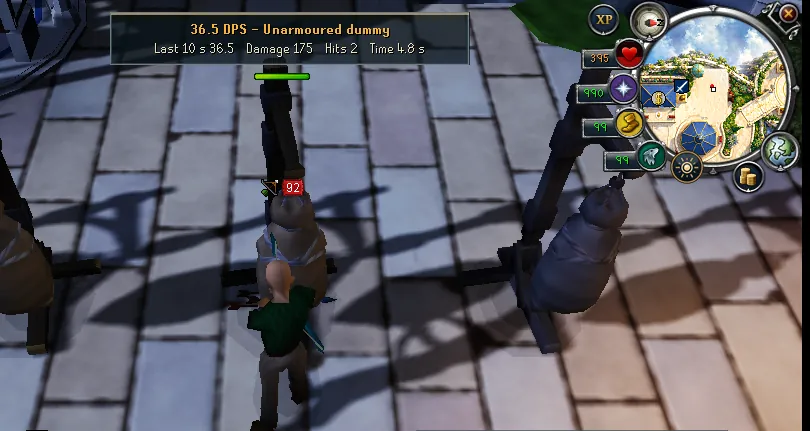
Free combat runs at twice that pace. Your next hit charges up from the moment your last hit landed, and it is a full-strength hit once half the weapon's attack time has passed. Swing sooner and you get a part of a full hit.
The rule
Size of the hit = time since your last hit × 2 ÷ the weapon's attack speed (never more than one full hit).
Example: abyssal whip (2.4 s)
A full hit is ready every 1.2 seconds. Click every 0.6 seconds and each hit is about half size, but you land twice as many. Click every 1.2 seconds and each hit is full size. Both deal the same damage per second. Click only every 2 seconds and you still get full hits, but fewer of them, so you deal less.
So should I spam or time my clicks?
- Spamming and holding are fine. You see smaller numbers on each hit, more often. Over a fight it adds up to the same damage as perfectly timed swings.
- Waiting longer never helps. A hit can't grow past one full hit, so pausing longer than half the attack time only loses damage.
- Faster weapons charge faster: a dagger or scimitar fills a full hit sooner than a two-handed sword, which hits harder but less often. The balance between weapons is the same as in RuneScape.
- A swing, shot or spell that hits nothing doesn't use up your charge: the next one that lands is still as big as it would have been. (A spell that hits nothing still uses runes, see Magic and ranged.)
- Crossbows reload after every shot, and the reload is longer than half their attack time, so every bolt lands as a full hit.
Special attacks
In free combat your weapon's special attack sits on key 1 of the combat hotbar (or use the special bar as usual). Special energy refills much faster than in RuneScape. Each weapon's energy cost is in the weapons table.
A special attack takes the place of a regular hit, the same way it does in RuneScape: it spends your charged hit, and the next swing starts charging from zero.
Against other players, each special waits for the weapon's attack time before the next one (for example 3.6 seconds between two godsword specials), whether you use key 1 or the special bar.
Eating, potions and staggers
Eating or drinking in the middle of a fight costs you the same attack time it does in RuneScape. Your swings never pause for it; your next hits are just smaller while the charge builds back up. Being staggered by a monster's heavy hit works the same way.
Dodge rolls
- Press Space (or a side mouse button) to roll in the direction you're moving.
- A roll gives you a short moment where hits can't touch you, and it's short on purpose: bosses wind up their big attacks and mark the ground first, so the real dodge is getting out of the marked area.
- Rolls cost stamina. You can't roll while stunned, frozen or staggered.
- Jumping is turned off for now.
Lock-on
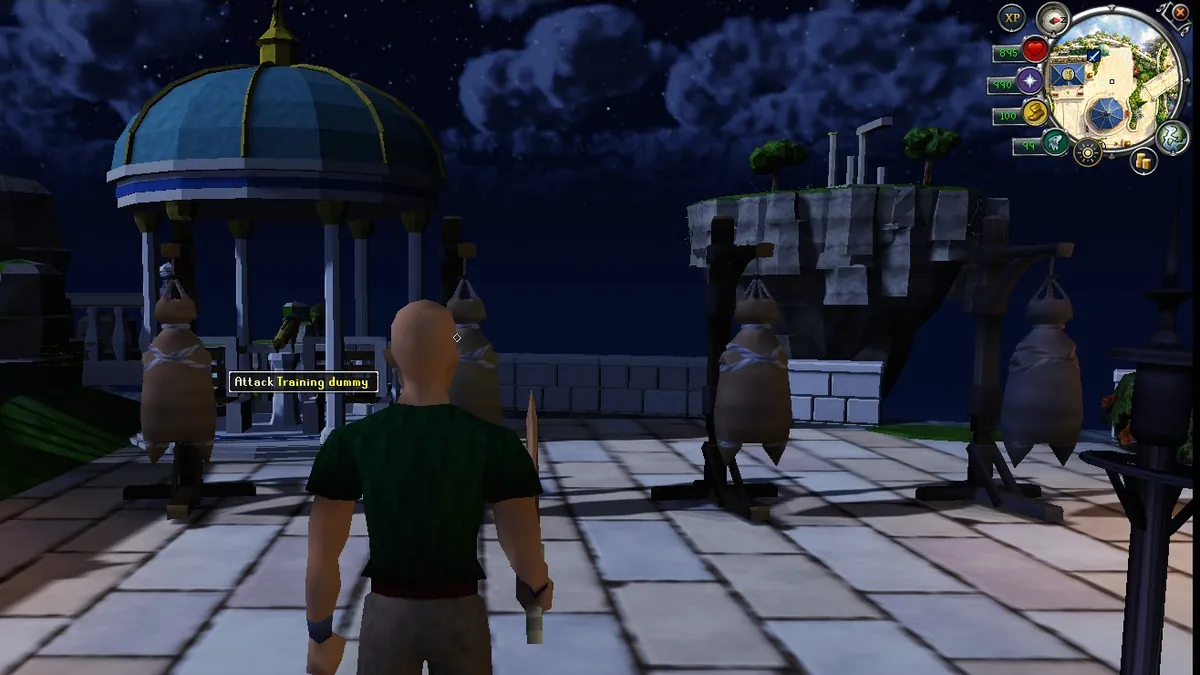
Tap the middle mouse button to lock onto the enemy under your crosshair (or the closest one in front of you). A small white diamond marks it. Tap again to let go.
- The camera keeps your target in the middle of the screen and your character side-steps around it as you move.
- Your swings, arrows, spells and god powers aim at it.
- To switch target, flick the mouse left or right (or, with the cursor showing, tap the button on another enemy).
- The lock lets go by itself when the enemy dies, gets far away or out of sight, or when either of you teleports. A monster another player is fighting can't be locked.
- With nothing to lock onto, the tap swings the camera behind your character.
- Prefer another button? Game Settings > Controls > Lock-on button: middle mouse, mouse button 4 or 5, R or V.
Fighting with (and against) other players
- Single-way areas: a second monster you hit fights back, so you can end up fighting both. Monsters you haven't hit can't join in. A sweeping hit that catches several monsters makes them all fight back, and skips a monster someone else is fighting.
- Parties: up to five players in a party can all fight the same monster, even in single-way areas, and share a bonus on the XP. See Skills.
- Friendly duels: the Attack option does your normal free-combat swing.
- PvP: the same rules apply against players: damage charges the same way, and the special-attack spacing above keeps burst fair.